Load a wallet.
Scan at the kiosk.
Wash.
WashPass turns your phone into your car wash pass. Reload your balance in the app, scan the QR code at the kiosk, and drive through. No cash, no card at the machine, no line.
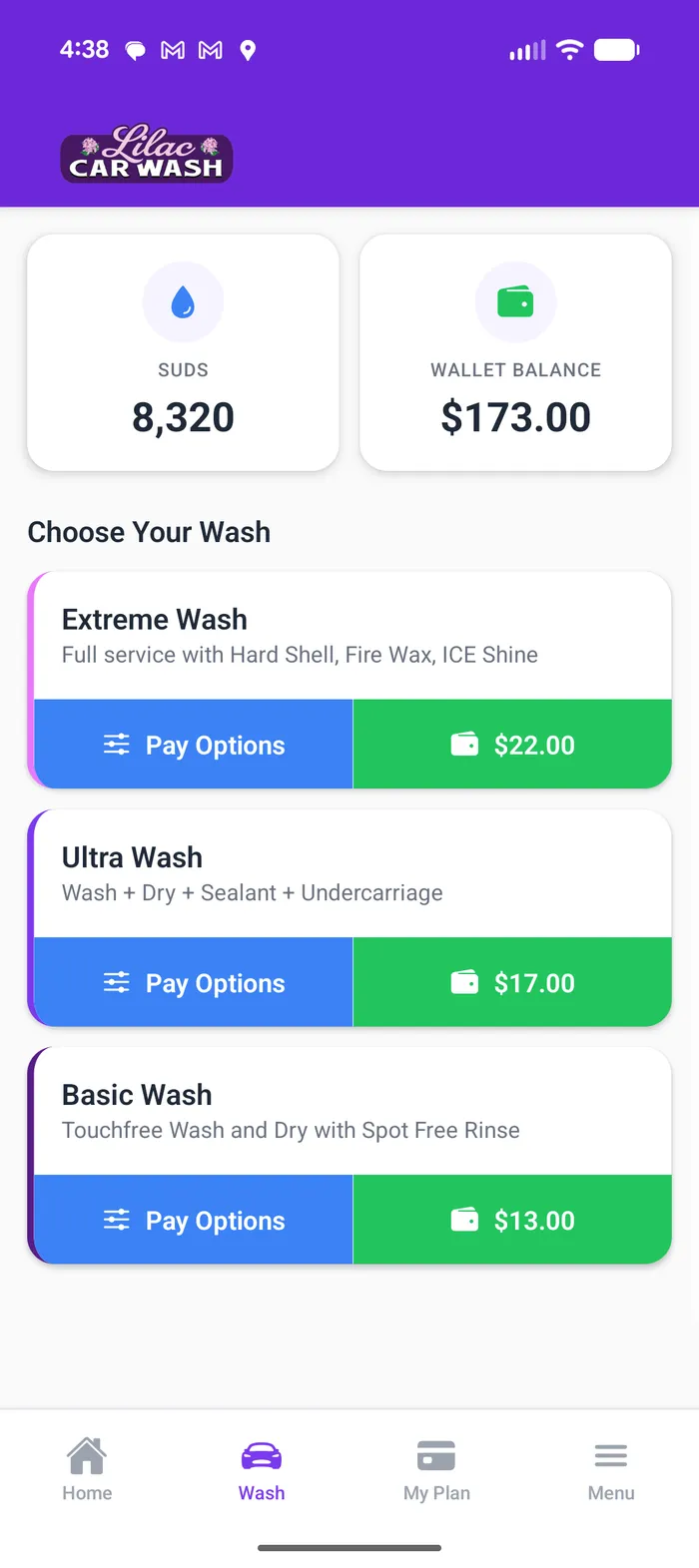
Three steps, no payment terminal at the kiosk
-
Reload your wallet
Add funds to your WashPass wallet from the app. Your balance is stored securely and ready the next time you pull in.
-
Scan the QR code
At the kiosk, open the app and scan the code on screen. It matches your wallet to that wash in seconds.
-
Wash and go
The kiosk confirms your balance and starts your wash. No card, no cash, no waiting at a payment terminal.
Run a car wash? WashPass is the platform underneath it.
WashPass provides the kiosk software, the customer app, and the tools operators use to run a wash, while operators keep their own Stripe account and process their own payments. WashPass charges a platform fee; the money runs through the operator's own account, not ours.
See how the platform works